

What’s Updated
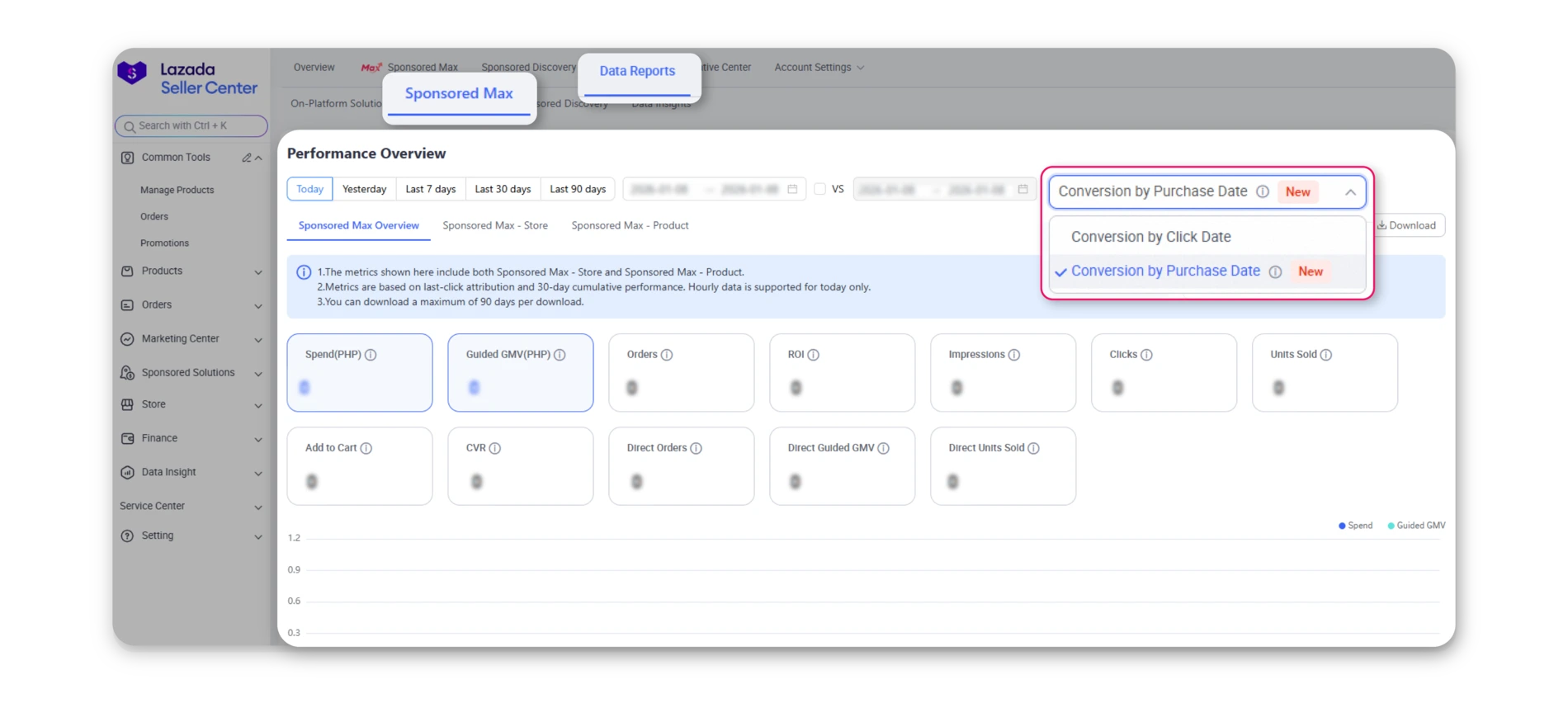
To improve clarity and flexibility in campaign performance evaluation, we have introduced a new conversion reporting option based on purchase date, alongside the existing click date view.
1. New Conversion Reporting Filter
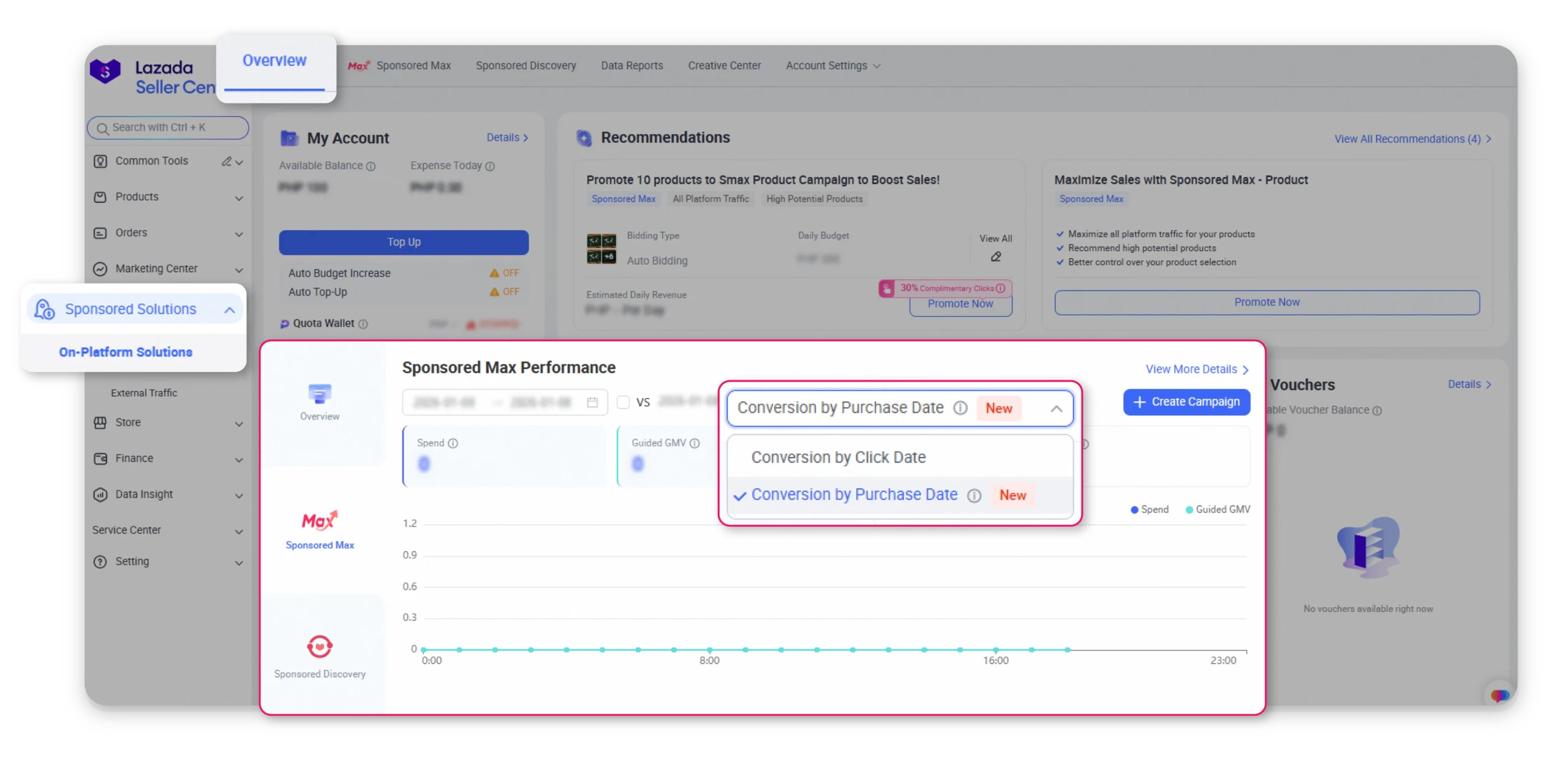
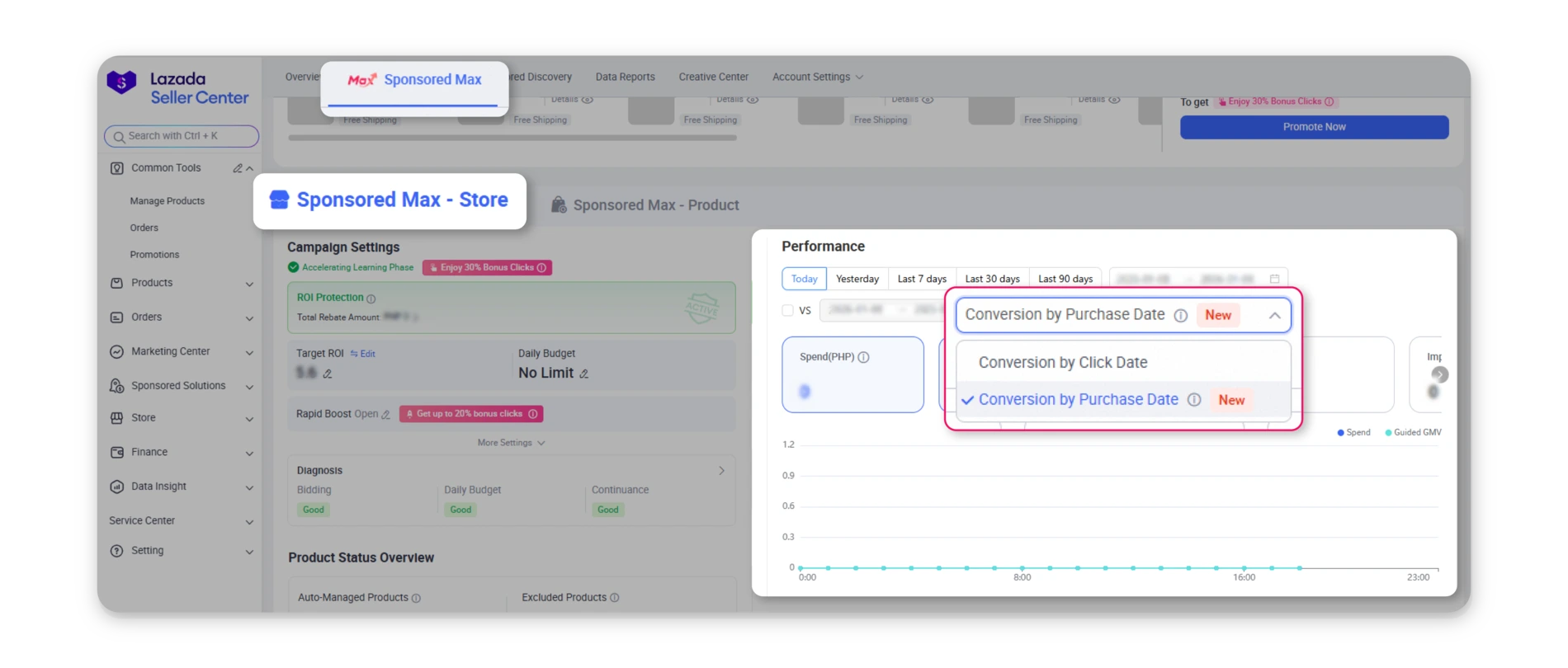
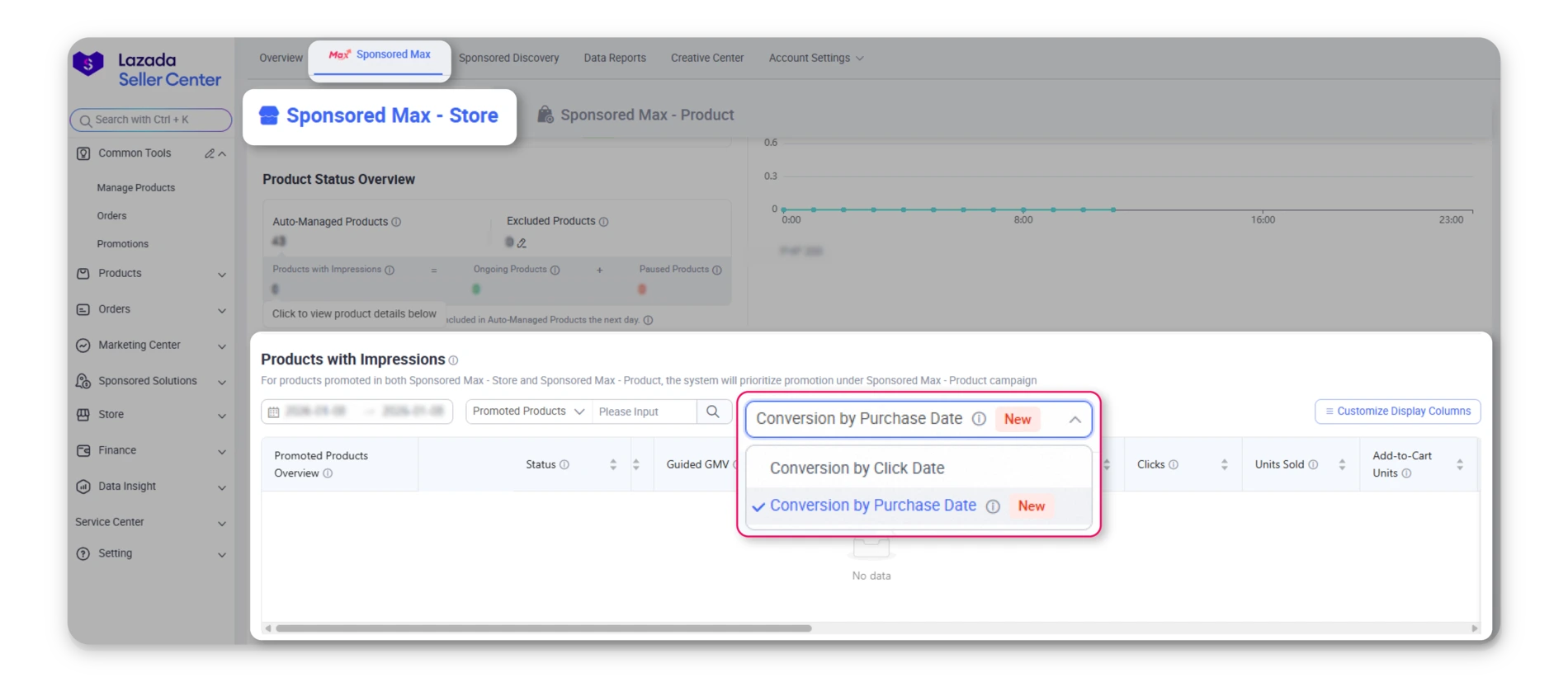
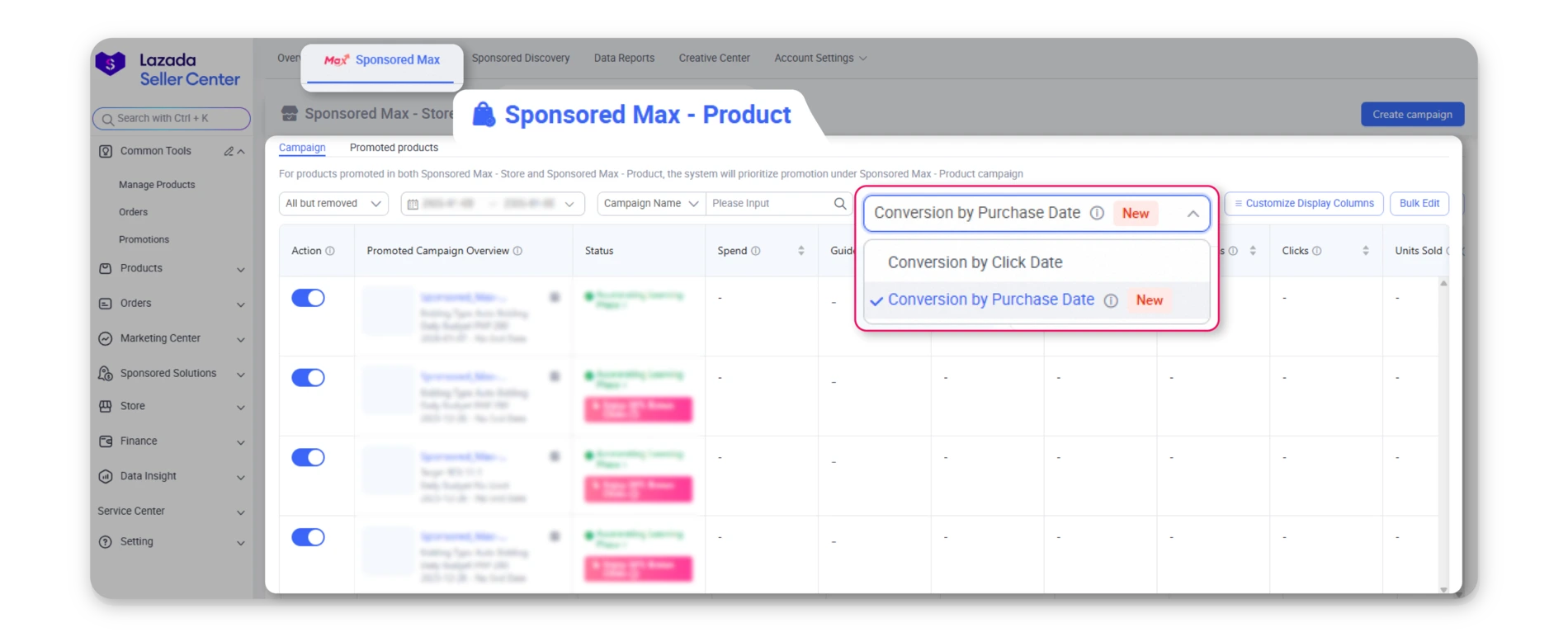
Sellers can now choose how conversions are reported by using a new filter in the reporting interface. This filter allows you to switch between:
Conversion by Click Date: Conversions are attributed to the date when the campaign click occurred
Conversion by Purchase Date: Conversions are attributed to the date when the transaction was completed
2. Where the Filter Is Available
Across the following placements, conversion reporting has been upgraded to provide clearer attribution and more consistent performance insights. Specifically, the following enhancements apply:
– An Attribution tab has been added, enabling sellers to view conversion performance by purchase date or click date, with Conversion by Purchase Date displayed by default and the option to switch views as needed.
– Real-time performance data has been upgraded from minute/hour incremental slices to a full-day cumulative summary, providing more stable and easier-to-read insights throughout the day.
– A new metric, Guided GMV by purchase-date attribution, has been introduced alongside Guided GMV by click-date attribution, with purchase-date Guided GMV shown by default.
These updates are available on the following pages:
On-Platform Solutions Home Page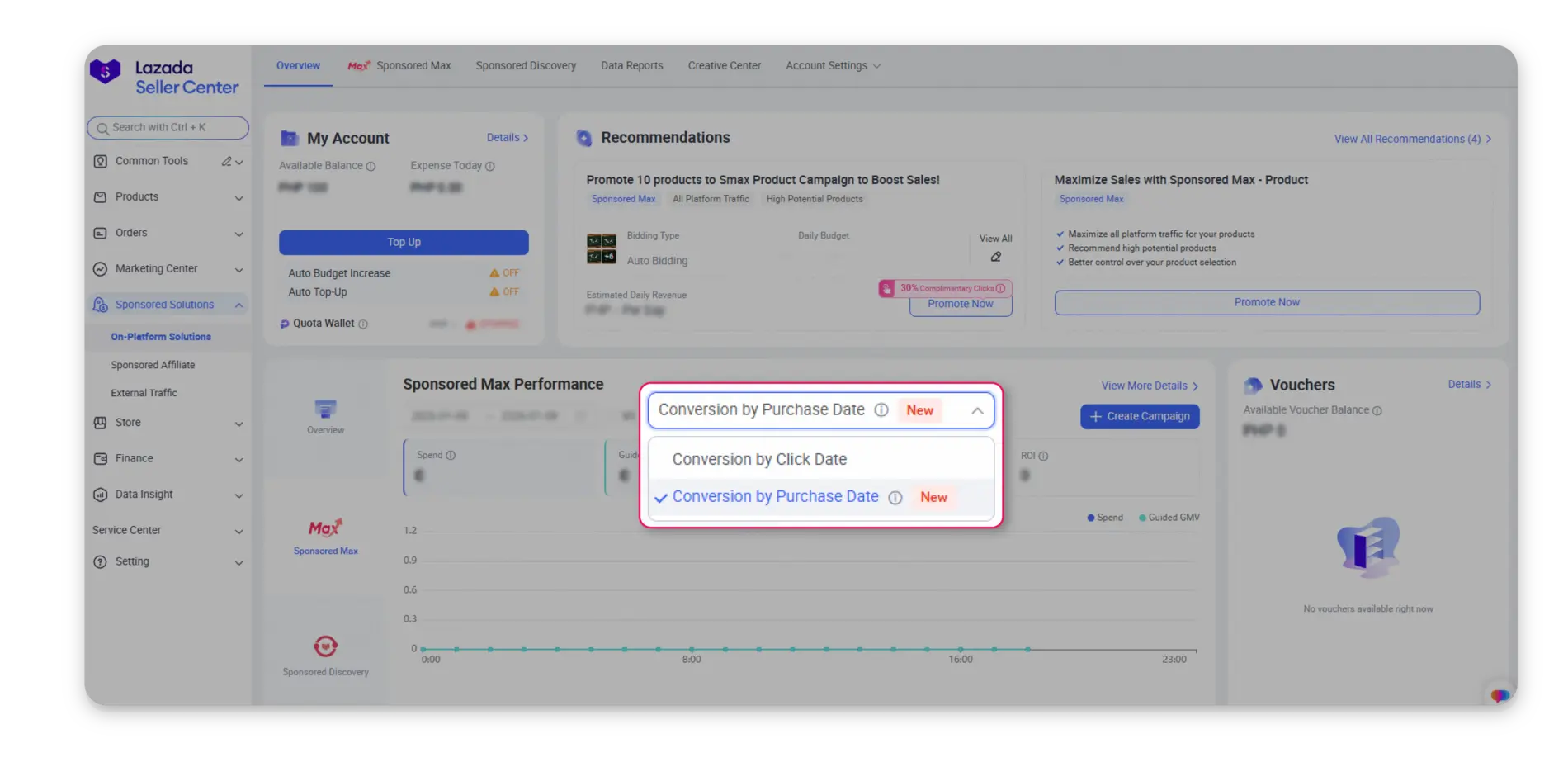
Sponsored Max Overview
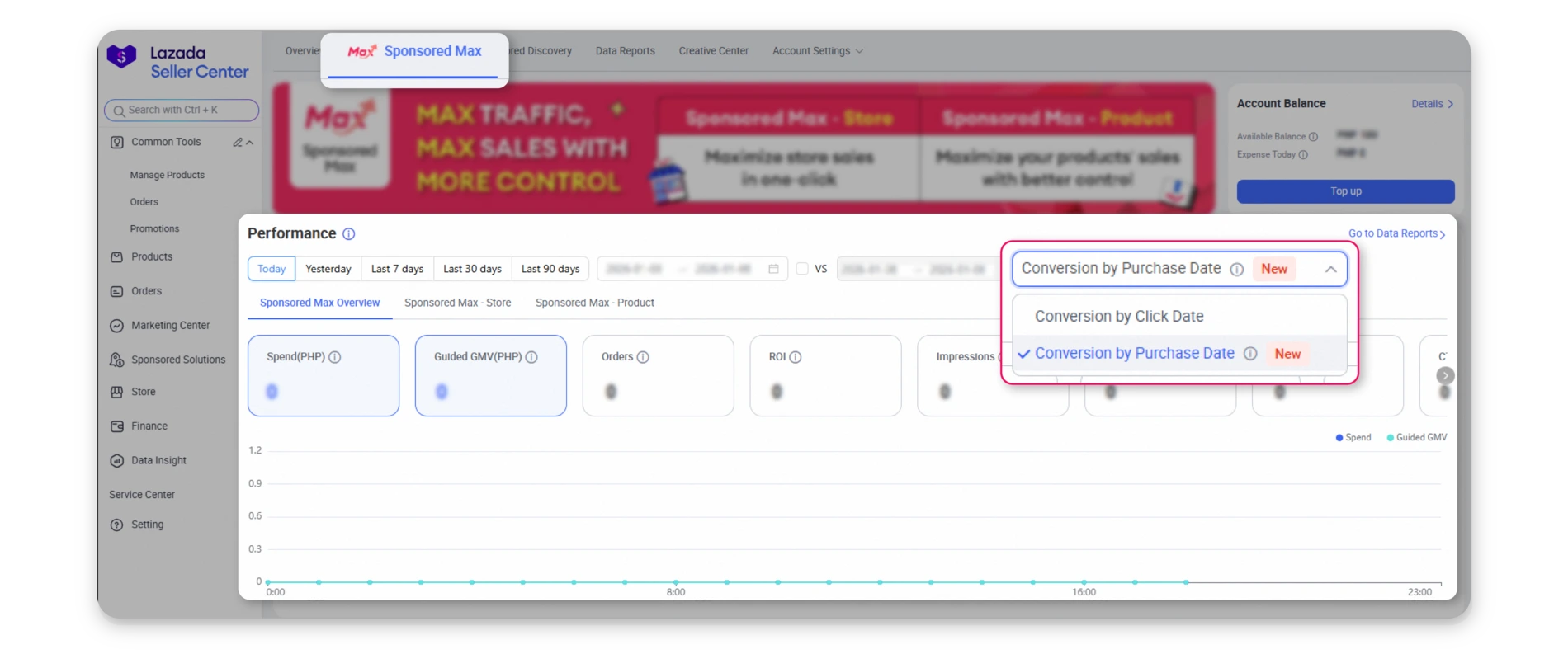
Sponsored Max – Store
Sponsored Max – Store Detailed List
Sponsored Max – Product
Data Reports: Sponsored Max
3. Conversion Reporting: Conversion by Click Date vs. Conversion by Purchase Date
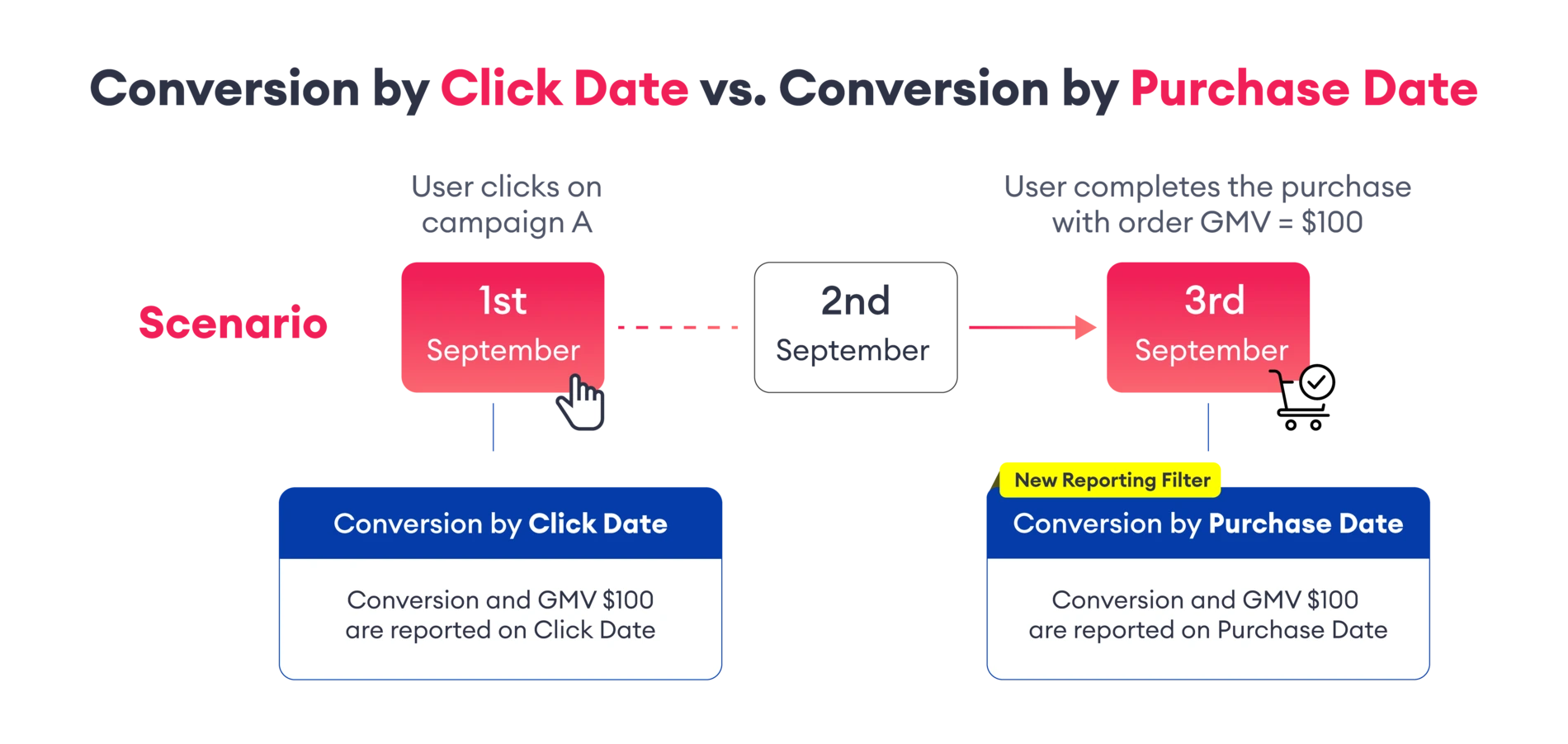
Conversion by Click Date: Conversions are attributed to the date when the campaign click occurred. Even if the purchase happens days later, conversion metrics (Order,GMV, ROAS/ROI) appear on the click date. This may cause delays in reflecting true campaign performance and create discrepancies with store-level sales data.
Conversion by Purchase Date: Conversions are attributed to the date when the transaction is completed. Conversion metrics appear closer to when the actual business outcome occurs.This improves alignment with store GMV, accelerates performance visibility, and supports more accurate ROAS/ROI evaluation.
Note: Sponsored Max metrics remain based on a 30-day last-click attribution window. This update only impacts conversion reporting, affecting GMV, Orders, and related metrics, such as ROI and CPO, that rely on these for calculation.
Example Scenario
– A user clicks on Campaign A on September 1st.
– The user completes the purchase on September 3rd, with an order GMV of $100.